
Use case · Brand inspiration
The look of a brand, before it has one.
Every branding project starts with a pile of references: typefaces, palettes, packaging, photography, the competitor you don’t want to look like. embeddd turns that pile into a project with a board for each part of the brand.
No credit card · Free to start · Private by default

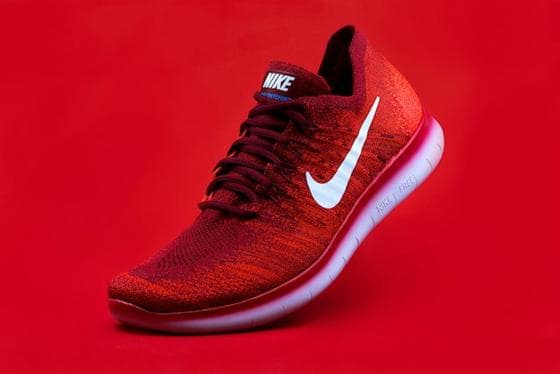
 Casting14 cards
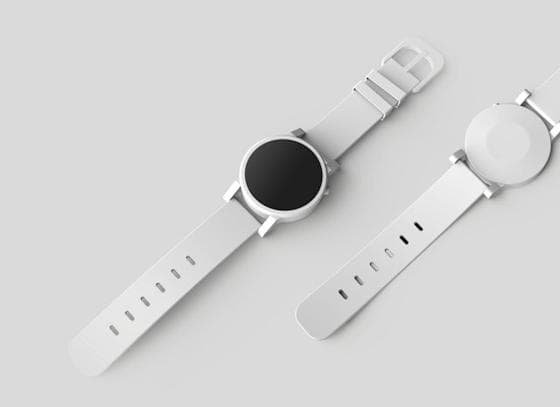
 Styling22 cards
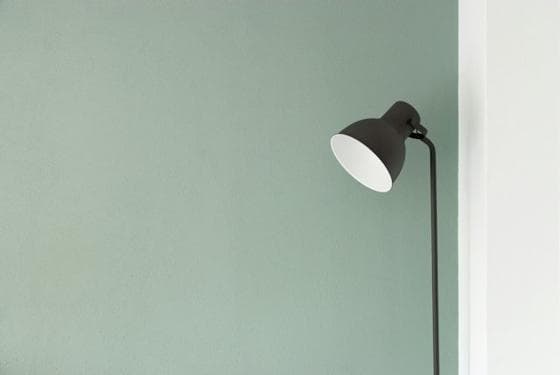
 Locations9 cards
One project, a board per pillar
Make a project for the client and a board each for Typography, Colour, Photography, Packaging and Voice. Save into the right one as you go, or dump everything into one board and sort later.
- Typography: screenshots, specimens, type in use
- Colour: palettes pulled automatically from every picture
- Photography: lighting, casting, composition
- Voice: headlines and captions pasted as notes
Let colour find itself
embeddd reads the palette of every picture you save. Open a card to see its swatches, or search a hex code to pull every reference in that colour across the project.
Walk the client through it
Share the project as one view-only link. Each board opens on its own, with your notes explaining what to take from it — clearer than a 40-slide PDF.
Built on
The features behind it
- ProjectsGroup boards by client, campaign or idea — and share them as one.
- SharingView-only links for a board or a whole project, and invites for your team.
- SearchFind a reference by its words, its tags or its colour, across every board.
- NotesWrite beside your references: headings, to-dos, quotes and callouts.
Questions
Can my client comment on the board?
Not yet. Clients can view a shared link; collaborators you invite as editors can add and arrange cards.
Can I keep competitor research private while sharing the rest?
Yes. Put it on its own board outside the shared project, or in a separate project you don’t share.
Keep reading
Related
- DesignersReferences for layouts, type, colour and UI — organized per project.
- Brand strategistsEvidence for the strategy: competitors, culture, category codes.
- How to organize references for a branding projectOne project, a board per pillar, and a sentence on every choice.
- Moodboard makerMake a moodboard from images, videos, links and notes — free.
Start your first board.
Save a Reel, drop a picture, paste a link. It takes a minute.
No credit card · Free to start · Private by default