
Moodboard maker
A moodboard maker for how references actually arrive.
Most moodboard makers start with a blank canvas and an upload button. Your references arrive as Reels, links, screenshots and camera-roll photos. embeddd takes all of them and lays them out in a clean grid you can present.
No credit card · Free to start · Private by default
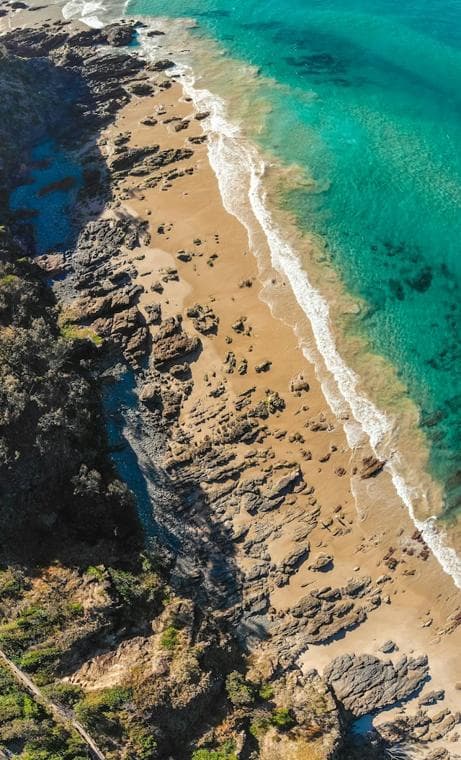
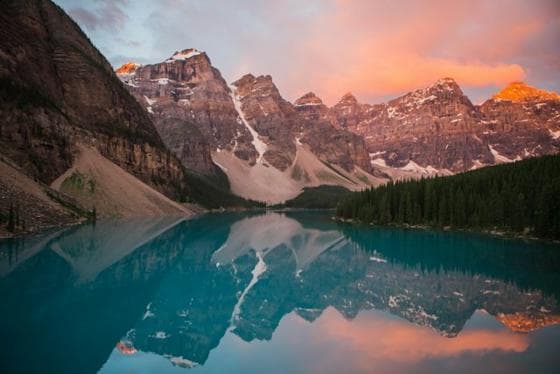 0:15
0:15
 0:13
0:13- Warm, low light
- Natural materials



Make a moodboard in four steps
No templates to fight with: the grid arranges itself around your pictures.
- Create a board and give it a name
- Drop images, paste links, share Reels from your phone
- Choose columns and card sizes; drag to reorder
- Add a note with the direction, then share the link
0:15 0:13
0:13- Warm, low light
- Natural materials

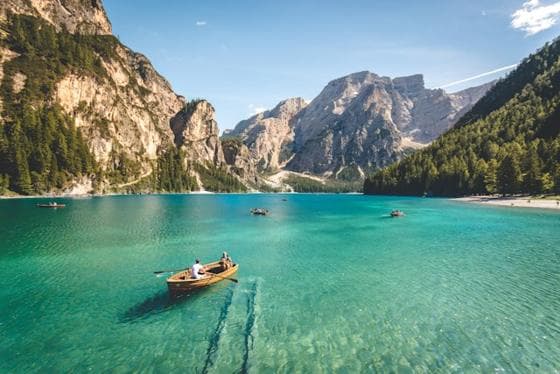

Video belongs on moodboards now
A Reel shows pace, movement and sound that a still can’t. embeddd plays saved Reels, TikToks and Shorts right on the board.
Share it, don’t export it
One switch makes a view-only link. It looks right on a phone, and it updates when you change the board — no re-exporting a PDF.
Built on
The features behind it
- BoardsA visual grid for one idea: pictures, videos, links and notes side by side.
- SharingView-only links for a board or a whole project, and invites for your team.
- NotesWrite beside your references: headings, to-dos, quotes and callouts.
- InstagramSave Reels, posts and carousels as the photos and videos themselves.
Questions
Is this moodboard maker free?
Yes. The free plan has unlimited boards and needs no card. Pro, at $7 a month, adds more storage.
Can I export a moodboard as a PDF or image?
Not yet. Share it as a view-only link instead, or download individual originals from their cards.
Can I place images freely, anywhere on a canvas?
No — embeddd arranges cards in a tidy grid that you reorder by dragging. If you want a freeform canvas, tools like Milanote or PureRef are built for that.
Keep reading
Related
- DesignersReferences for layouts, type, colour and UI — organized per project.
- Creative directorsSet a direction, share it with the team and the client, keep it current.
- How to build a moodboard that actually helps you designMost moodboards are collections. The useful ones are arguments. Here’s how to build the second kind.
- embeddd vs MilanoteCollect first: references from every app saved into a self-arranging grid, searchable by text and colour.
Start your first board.
Save a Reel, drop a picture, paste a link. It takes a minute.
No credit card · Free to start · Private by default