
Feature · Sharing
Send the board, not a screenshot of it.
One switch publishes a board — or every board in a project — as a clean, view-only page. It updates as you edit, and it stops working the moment you switch it off.
No credit card · Free to start · Private by default
- AYouOwner
- MMiaEditor
- JJonasViewer
A page anyone can open
People you send the link to don’t need an account. They see the board as a grid, can open any card, and can’t change a thing.
- Board links and project links
- Updates as you keep editing
- Turn it off to stop the link working
- Not listed in any public feed
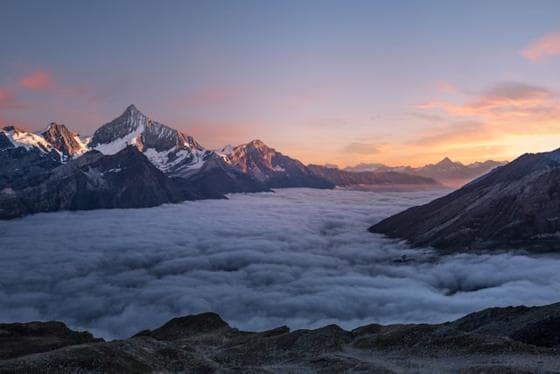
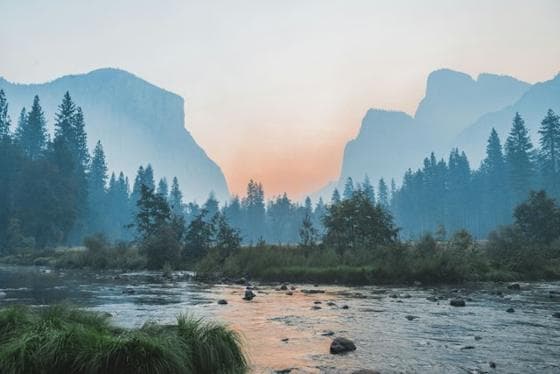 0:15
0:15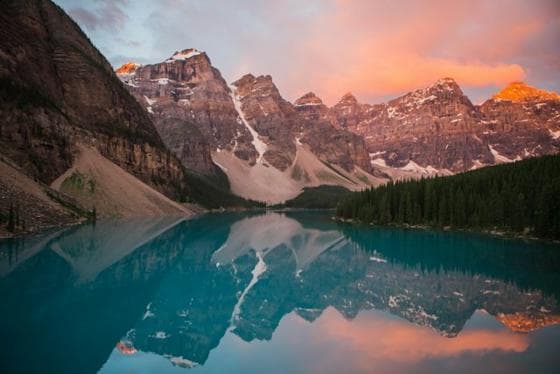 0:13
0:13- Warm, low light
- Natural materials
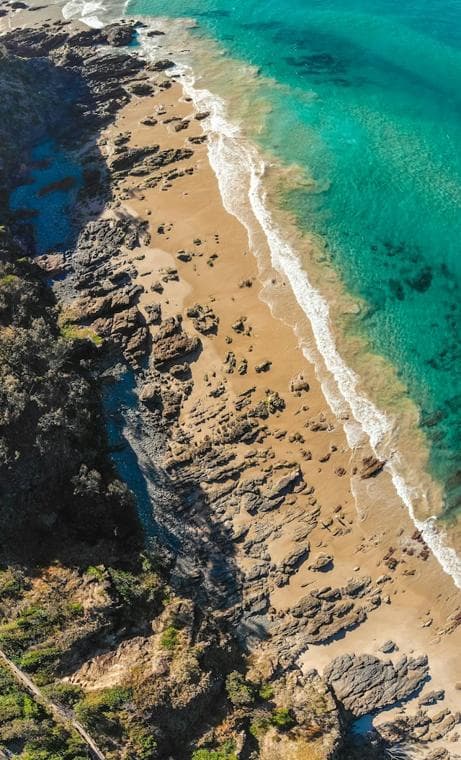

Collaborators, with roles
For people who work on the project with you, invite them instead: editors add and arrange cards, viewers look.
Built on
The features behind it
Questions
Do people need an account to see a shared board?
No. A view-only link opens for anyone who has it. Collaborators you invite do need an account.
Can I stop sharing?
Yes. Switch sharing off and the link stops working immediately.
Will a shared board show up in search engines or a feed?
embeddd has no public feed, and shared pages aren’t listed anywhere by embeddd. Anyone with the link can open it, so share it like you’d share any private link.
Keep reading
Related
- PrivacyPrivate by default. No public feed, no ads, no algorithm.
- Creative directorsSet a direction, share it with the team and the client, keep it current.
- Brand inspirationGather the look of a brand before you design it: type, colour, photography, tone.
- embeddd vs PureRefAn online library: boards and projects in the browser, on any device, shareable by link.
Start your first board.
Save a Reel, drop a picture, paste a link. It takes a minute.
No credit card · Free to start · Private by default