How to build a moodboard that actually helps you design
Most moodboards are collections. The useful ones are arguments. Here’s how to build the second kind.
A moodboard is supposed to answer a question: what should this feel like? Too often it answers a different one — what did I find this week? — and ends up as forty lovely pictures that point in forty directions. The fix isn’t better taste. It’s a better process.
Start with the question, not the pictures
Before you save anything, write one sentence about what the board is for. “The feeling of the first frame of the launch film.” “How the packaging should feel in the hand.” “Three possible directions for the rebrand.” That sentence becomes the test every reference has to pass.
Collect wide, from everywhere
Early on, quantity helps. References that matter rarely come from one place: a Reel with the right pacing, a still from a film, a photo of a shop window, a colour from a product shot. Save first and judge later.
- Short video for movement, pace and sound
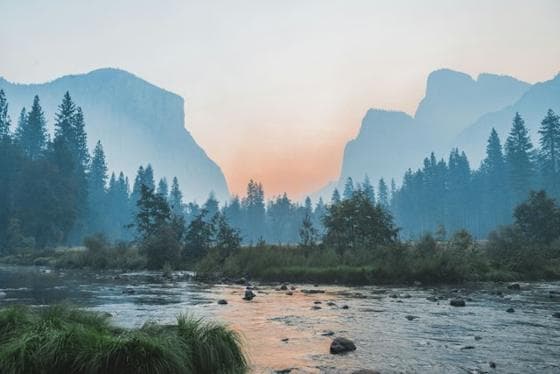
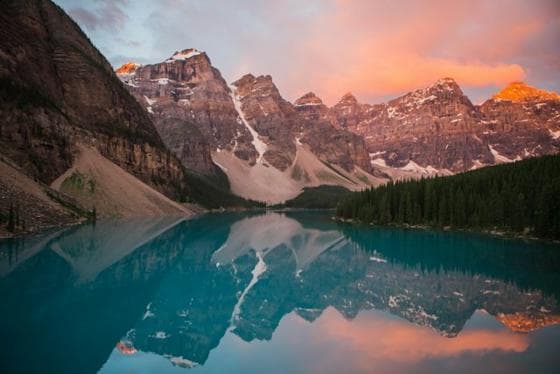
- Photography for light, colour and composition
- Type and layout from print and the web
- Your own photos — textures and places you noticed
The friction is usually in the saving. If collecting a Reel means screenshotting, then airdropping, then dragging into a document, you won’t do it. Use a tool that saves from the apps you actually browse — in embeddd, that’s the share sheet on your phone and paste-anywhere on your computer.
Edit hard
Once there are thirty or forty references, stop collecting and start cutting. Read the board against your sentence and remove anything that’s only there because it’s beautiful. A good board usually ends up between nine and twenty-five references — enough to show a pattern, few enough to read at a glance.
- Remove duplicates of the same idea; keep the strongest.
- Remove anything that pulls in a different direction.
- Group what remains: light, colour, material, type, people.
- Put the most representative reference first — it sets the tone.
 0:15
0:15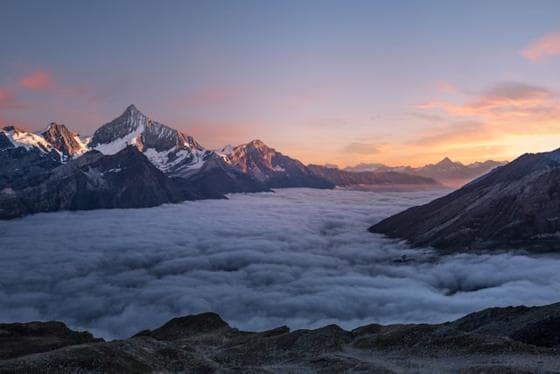 0:13
0:13- Warm, low light
- Natural materials

Say what each reference is for
A picture can be on a board for its colour, its crop, its casting or its type — and the person reading your board can’t tell which. Add a word or a line to the references that carry the argument: “this blue”, “this crop”, “not the model, the light”.
The difference between a collection and a moodboard is a sentence under each picture.
Split directions onto separate boards
If you’re presenting options, don’t mix them. Give each direction its own board inside one project, with a one-line name. It’s far easier for a client to say “the second one” than to point at quadrants of a single crowded board.
Share something people can act on
The board’s job is to help the next person decide or make. Send it as a link that opens on a phone, with your notes intact — not as a flattened PDF that’s out of date by the next revision. And keep it alive: when the direction changes, update the board, not a new file called final_v3.
A quick checklist
- One sentence that says what the board is for
- Collected from video, stills, type and your own photos
- Edited to one idea per board
- Short notes on the references that matter
- Shared as a link, kept up to date
embeddd keeps Reels, TikToks, images, links and notes on boards you can search. Free, private by default.
Start collecting for free