
Feature · Search
Find it six months later.
Saving is easy. Finding is the hard part. embeddd searches every board at once — the titles, the notes you wrote, the tags and the links — and can also look for a colour.
No credit card · Free to start · Private by default
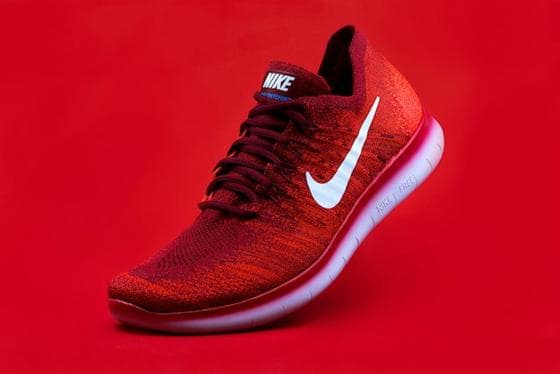 Packaging
 Casting
 Product
 Colour
 Locations
 Travel
One box for every board
Press ⌘K (Ctrl K on Windows) from anywhere. Results come from every board you can see, ranked by how many of your words they match, with the board each one lives on.
- Card titles and descriptions
- Everything written in notes
- Tags
- Saved links and their page titles
Search by colour
Pick a colour from the palette or type a hex code and embeddd shows the references whose pictures contain it. Useful when the brief says “warm red” and nothing else.
Search with a picture
Drop a picture into the search box to use its colours as the query — handy for finding what you already saved that matches a new reference.
Filter one board with tabs
Inside a board, tags turn into tabs. Search across everything; filter within one board.
Built on
The features behind it
Questions
Does search look inside my notes?
Yes. Text in notes, card titles and descriptions, tags and saved links are all searched.
Can I search boards shared with me?
Yes. Search covers every board you can open, including projects you’ve been invited to.
How does colour search work?
embeddd reads a small palette from each picture when it’s saved. Colour search finds pictures whose palette is close to the colour you pick.
Keep reading
Related
- Visual researchA searchable library of what things look like — by subject, tag and colour.
- Visual bookmarkingBookmarks you can see: links, posts and images as a grid of pictures.
- How to build a visual research libraryA reference library that grows more useful every year — if you build it right.
- embeddd vs Raindrop.ioVisual references — images, Reels, TikToks, links — arranged on boards with notes and colour search.
Start your first board.
Save a Reel, drop a picture, paste a link. It takes a minute.
No credit card · Free to start · Private by default