
Use case · Project references
Every reference for the job, in one place.
On most projects the references end up in five places: a Slack thread, a deck, someone’s camera roll, a shared drive and an Instagram collection. embeddd gives them one home the whole team can open.
No credit card · Free to start · Private by default
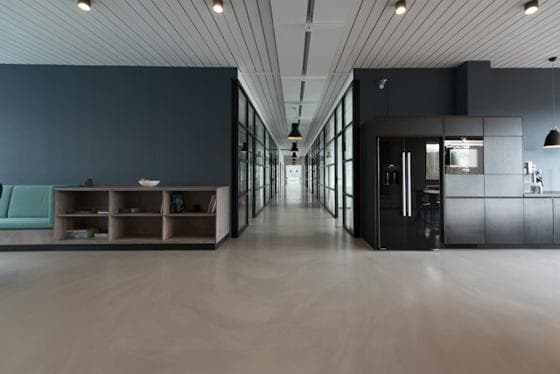


 Casting14 cards
 Styling22 cards
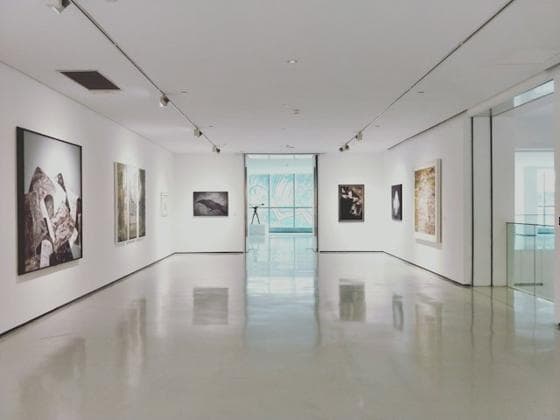 Locations9 cards
A project per job
Create a project for the job and a board for each part — Concept, Locations, Casting, Wardrobe, Props. Invite the team as editors so everyone saves into the same place.
The brief lives on the board
Pin the brief, the shot list and the open questions as notes. To-dos tick off as decisions get made.
Call 7:30 · Studio B
Shot list- Wide of the room
- Chair detail, low angle
- Lamp on, dusk
- Hands on the table
Less, but better.
💡 Keep the palette to three colours.
One link for the client
When it’s time to present, share the project as a view-only page. It stays current as the team keeps working.
Built on
The features behind it
Questions
How many people can I invite to a project?
There’s no set limit today. Invite each person as an editor or a viewer.
What happens to a project when the job is done?
It stays where it is. Keep it as an archive, or move it to Trash when you no longer need it.
Keep reading
Related
- Creative directorsSet a direction, share it with the team and the client, keep it current.
- StylistsLooks, fabrics and fittings — one board per client or shoot.
- ProjectsGroup boards by client, campaign or idea — and share them as one.
- embeddd vs MilanoteCollect first: references from every app saved into a self-arranging grid, searchable by text and colour.
Start your first board.
Save a Reel, drop a picture, paste a link. It takes a minute.
No credit card · Free to start · Private by default