
Use case · Creative research
Research that turns into a point of view.
Creative research is messy on purpose: you go wide before you go deep. embeddd gives the wide part somewhere to land — every reference, from every app, on boards you can later sort into themes and present.
No credit card · Free to start · Private by default
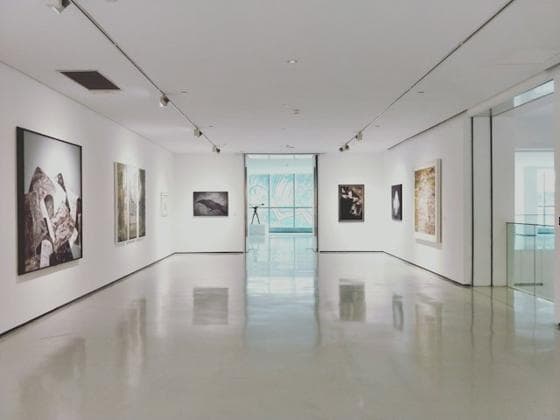
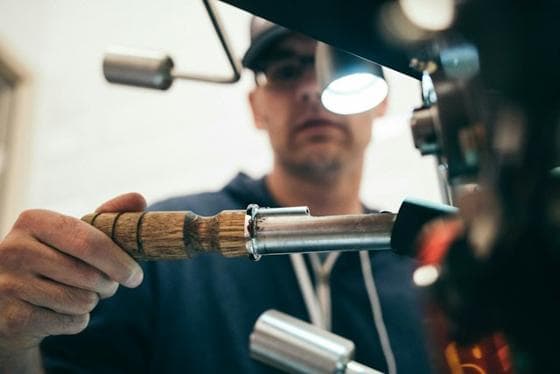 0:15
0:15
 0:13
0:13- Warm, low light
- Natural materials



Go wide without losing anything
Early research comes from everywhere: a Reel a friend sent, an exhibition photo, a paragraph from an essay, a YouTube talk. Save each one where you found it — share sheet on your phone, paste or drop on your laptop — into one “Research” board.
Instagram, TikTok and YouTube posts are kept as the actual media, so a deleted post doesn’t leave a hole in your research.
Then find the patterns
Once there’s enough on the board, start grouping. Tag cards by theme and the tags become tabs; move clusters that hold together onto their own boards inside a project. Notes beside each cluster capture why it matters.
- Tags as themes, tabs as filters
- One project per research question
- Notes for the insight, beside the evidence
Come back to it months later
Research is only useful if you can find it again. Search reads titles, notes, tags and links across every board, and colour search helps when you remember what something looked like but not what it was called.
A research sprint in embeddd
- 01Collect
One board, everything that catches your eye for a week. Don’t sort yet.
- 02Tag
Read the board back and tag what repeats: materials, moods, references, people.
- 03Split
Give each strong theme its own board in the project.
- 04Write
Add a note to each board: what it shows, and what you’d do with it.
- 05Share
Send the project as one view-only link, notes included.
Built on
The features behind it
- SearchFind a reference by its words, its tags or its colour, across every board.
- NotesWrite beside your references: headings, to-dos, quotes and callouts.
- ProjectsGroup boards by client, campaign or idea — and share them as one.
- InstagramSave Reels, posts and carousels as the photos and videos themselves.
Questions
Can I save articles and web pages, not just images?
Yes. Paste any link and it becomes a card with the page’s title and preview. Write the passage that mattered in the card’s description.
How do I present research from embeddd?
Share the project as a view-only link. Each board opens as a grid, with your notes beside the references.
Keep reading
Related
- Visual researchA searchable library of what things look like — by subject, tag and colour.
- Brand strategistsEvidence for the strategy: competitors, culture, category codes.
- How to build a visual research libraryA reference library that grows more useful every year — if you build it right.
- embeddd vs Are.naPrivate boards and projects for visual references, with saved video, notes, and colour search.
Start your first board.
Save a Reel, drop a picture, paste a link. It takes a minute.
No credit card · Free to start · Private by default