
Save from YouTube
YouTube, on the board with everything else.
Watch Later is a queue, not a library. embeddd puts the video on the board it’s relevant to — the camera move for the shoot, the talk for the research — with your notes on why it’s there.
No credit card · Free to start · Private by default
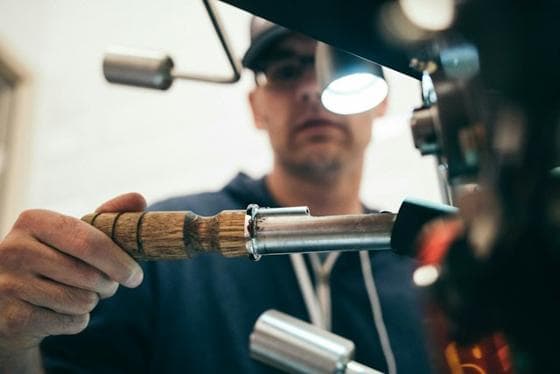
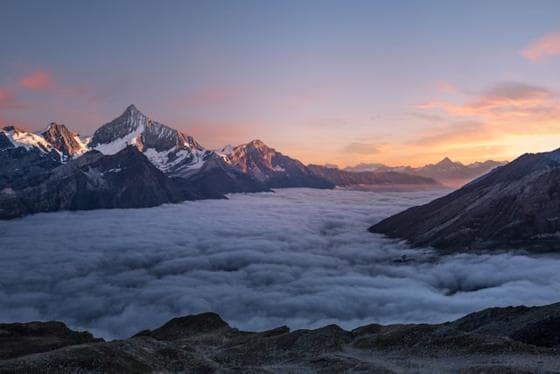
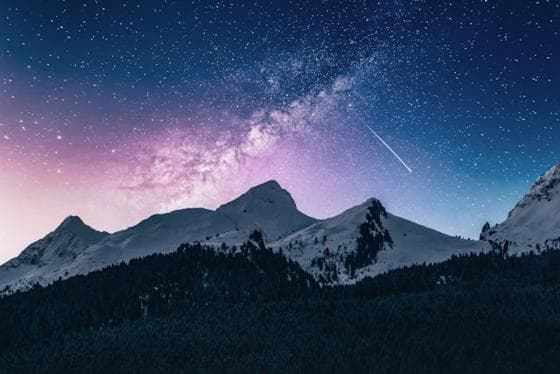
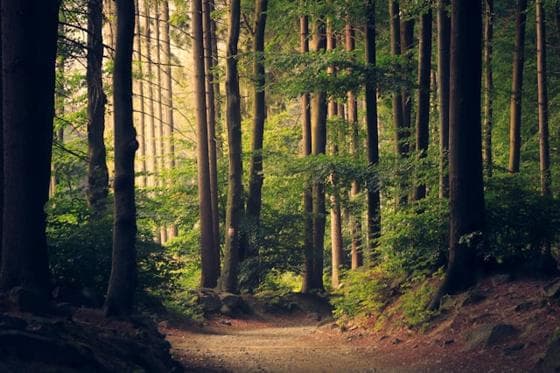
Saved as the video itself — still here if the post is deleted.
How to save a YouTube video
Copy the video’s link and paste it onto a board, or share it to embeddd from the YouTube app on iPhone.
- Shorts and short clips kept as videos that play on the board
- Anything too large to keep is saved as a card with its thumbnail, played from YouTube
- Title and channel kept on the card
Note the timestamp that matters
Write “the dolly move at 4:12” in the card’s description. Search finds it; your crew knows exactly where to look.
Call 7:30 · Studio B
Shot list- Wide of the room
- Chair detail, low angle
- Lamp on, dusk
- Hands on the table
Less, but better.
💡 Keep the palette to three colours.
Built on
The features behind it
Questions
Does embeddd download full YouTube videos?
embeddd keeps a copy of Shorts and short videos. Videos too large to keep are saved as a card with the thumbnail that plays from YouTube.
Can I save a whole playlist?
Not in one go. Save the videos you want as individual cards.
Keep reading
Related
Start your first board.
Save a Reel, drop a picture, paste a link. It takes a minute.
No credit card · Free to start · Private by default