How designers organize creative references
Five systems for organizing references that still work after the fifth project.

Every designer has a reference habit, and most have a reference mess: screenshots on the desktop, a Pinterest board from 2021, an Instagram collection called “inspo”, forty open tabs. The fix is to choose an organizing idea and stick with it. Here are five that hold up.
1. By project
One folder or board per client or job. It’s the easiest system to keep, because the project gives you the name, and it makes handover simple. Its weakness: great references for one project are invisible to the next.
2. By subject
Boards named after what the references show: “Hard light”, “Grids”, “Hands”, “Packaging on colour”. This builds a library that gets more useful with every year. Its weakness: it takes a moment of thought every time you save.
3. Inbox first
Save everything into one inbox without thinking, then sort once a week. This matches how references actually arrive — mostly on your phone, at bad moments. The weekly sort is also a good excuse to review what you collected.
Inbox
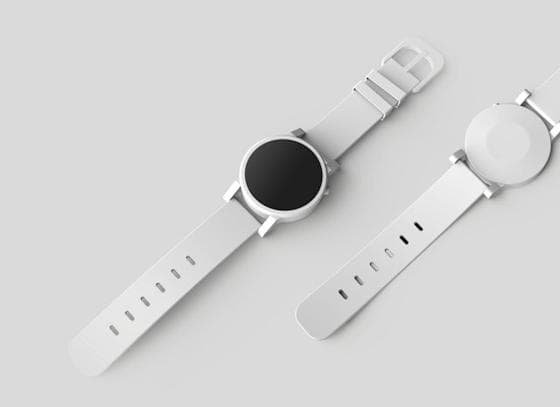 Reel · colour blocking Just nowMove to board
 TikTok · beach transition 2 minMove to board
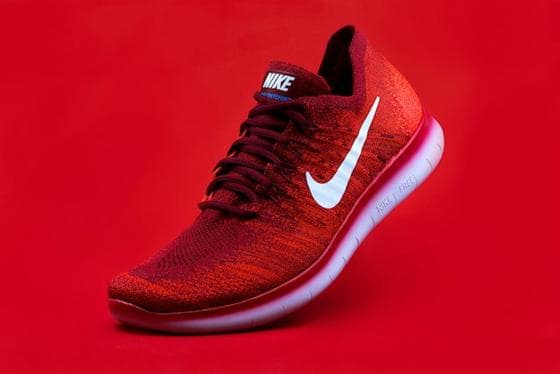 Photo from your camera roll 1 hMove to board
 Short · Road trip grade YesterdayMove to board
4. Tags as themes
Keep boards for projects, and use tags for the subjects that cut across them: “serif”, “night”, “brutalist”. You get the easy saving of system 1 and the long-term value of system 2 — as long as your tool can search tags across every board.
5. By colour
For some work — packaging, fashion, interiors — colour is the first thing you remember. A tool that reads each picture’s palette lets you pull every reference in a colour without having tagged a thing.
Choosing a system
- Freelancers with many clients: by project, plus tags as themes.
- In-house designers on one brand: by subject.
- Anyone who saves mostly from their phone: inbox first.
- Colour-led disciplines: any system, plus colour search.
Make it findable
Whichever system you choose, the test is the same: can you find a reference you saved six months ago in under a minute? A short note on each important reference, and search that reads those notes, matter more than the perfect folder structure.
embeddd keeps Reels, TikToks, images, links and notes on boards you can search. Free, private by default.
Start collecting for free