


Skip to content

Comparison · reviewed September 2026

embeddd vs Pinterest

Pinterest is where many creative people discover ideas. embeddd is where you keep the ones you’ve chosen — from Pinterest and from everywhere else. They overlap on boards, and differ on almost everything around them.

No credit card · Free to start · Private by default

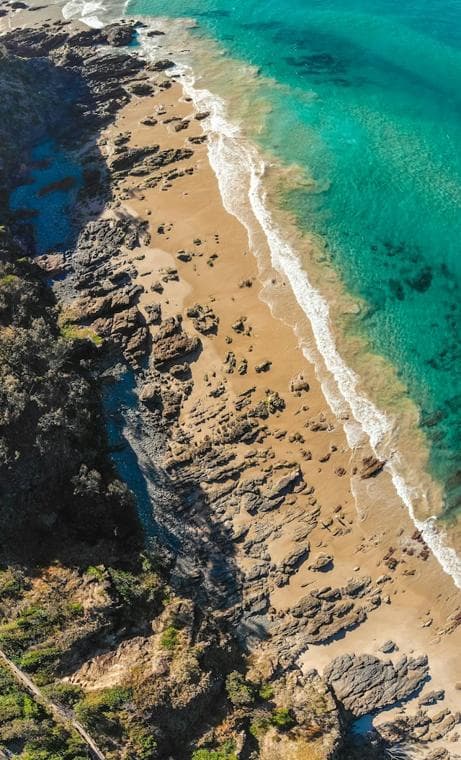
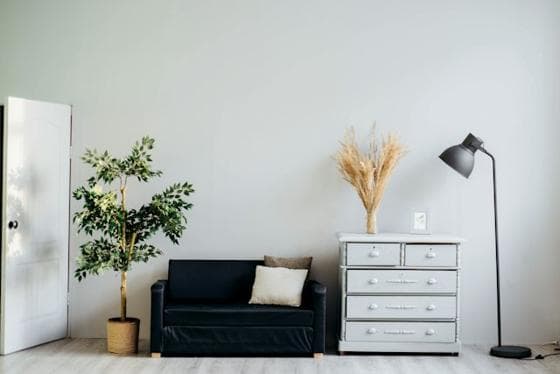
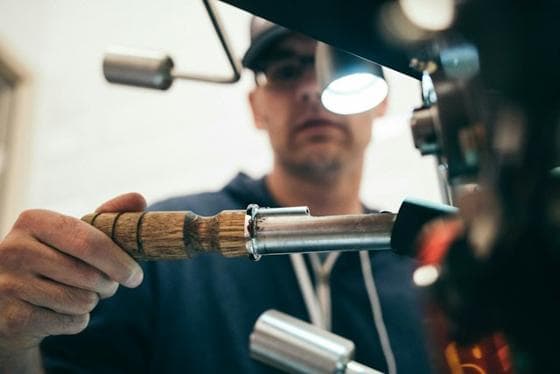
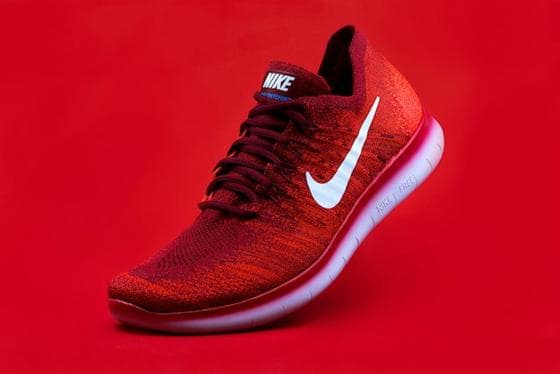
Fashion editorial: yellow tracksuit by a basketball hoop Instagram · SavedAerial view of a beach and turquoise coastline TikTok · FavoritesMinimal living room with a plant, sideboard and lamp Pinterest · BoardVideographer operating a camera rig YouTube · Watch laterRed running shoe product shot on a red background Camera roll · Screenshots Browser · open tabsBlack wall lamp on a sage green wall Telegram · Saved messages Notion · “inspo”Cactus in a terracotta pot on a pink background Downloads · refs_final_v2

One board

Fashion editorial: yellow tracksuit by a basketball hoopAerial view of a beach and turquoise coastlineMinimal living room with a plant, sideboard and lampVideographer operating a camera rigRed running shoe product shot on a red backgroundBlack wall lamp on a sage green wallCactus in a terracotta pot on a pink backgroundLatte art in white cups on a café table with plantsPortrait in a denim jacket against a blue wall

embeddd

A private working library: your references from every app, on boards and projects, with notes and search.

Pinterest

A discovery platform: a feed and search across other people’s pins, saved to boards that are public by default.

A visual discovery platform: a personalized feed and search across ideas pinned by millions of people, saved to your own boards.

embeddd and Pinterest, side by side

Feature comparison: embeddd and Pinterest
FeatureembedddPinterest
Built forCollecting and organizing your own referencesDiscovering ideas in a feed and saving them as pins
LayoutMasonry grid of cards; boards inside projectsMasonry grid of pins; boards with sections
Reels and TikToksInstagram, TikTok and YouTube posts saved as their own photos and videosPins are made from images and videos on the web or uploads; it isn’t built to keep a copy of an Instagram Reel or TikTok
Where it runsWeb app for desktop and mobile browsers; iPhone share-sheet ShortcutWeb, iOS and Android apps, browser extension
PrivacyPrivate by default; no public feed, no adsPublic by default, with secret boards; feed with ads and recommendations
NotesRich-text note cards on the board; titles and descriptions on every cardPin descriptions and board notes
SearchAcross all boards by text, tag and colourSearch across Pinterest, plus your own pins
SharingView-only links for boards and projects; editors and viewers by invitePublic and group boards; secret boards by invite
PriceFree plan with unlimited boards and 5 GB; Pro $7/month for 50 GBFree, supported by ads

Details about Pinterest are based on its public website, reviewed September 2026. Plans and features change — check pinterest.com for current details.

The same job, two ways

How common tasks look in each.

Saving a Reel you saw on Instagram

embeddd
Share it to embeddd (or paste the link). The video itself is saved to your board, with sound.
Pinterest
Pinterest builds pins from images and videos on web pages or uploads; a Reel link doesn’t become a playable Reel on your board.

Keeping a client project private

embeddd
Everything is private until you share a view-only link or invite someone.
Pinterest
Use secret boards, and remember that recommendations and ads are part of the app around them.

Finding new ideas

embeddd
Not built for it — there’s no feed. You bring the references.
Pinterest
This is what Pinterest is built for: a personalized feed and search across a huge public collection.

Discovery vs. collection

Pinterest’s home feed recommends pins based on what you save and view. embeddd has no feed and no recommendations — the only things on your boards are things you put there.

Where references come from

Pinterest is at its best with images from the web and from Pinterest itself. embeddd is built around mixing sources: Reels, TikToks, YouTube, links, screenshots and camera-roll photos on one board.

Fashion editorial: yellow tracksuit by a basketball hoop
Reel saved
Latte art in white cups on a café table with plants
TikTok saved
Aerial view of a beach and turquoise coastline
Short saved
Portrait in a denim jacket against a blue wall
Photo saved

Saved as the video itself — still here if the post is deleted.

Notes and structure

embeddd boards hold note cards with headings and to-dos, and boards group into projects for clients or campaigns. Pinterest organizes with boards and sections, with a description on each pin.

Who each is for

embeddd makes sense if…

  • You save references from Instagram, TikTok and YouTube, not just the web
  • Your boards are working files for clients or projects and should stay private
  • You want notes, to-dos and colour search next to your references

Pinterest makes sense if…

  • You want to discover new ideas in a feed
  • You want your boards to be public and found by others
  • You need native apps and a browser extension today

Where Pinterest shines

  • Finding ideas you didn’t know you were looking for
  • Browsing trends in a category
  • Sharing public boards with a wide audience

Questions

Can I use embeddd and Pinterest together?

Yes, and many people do: discover on Pinterest, then paste the pins you choose onto an embeddd board beside references from everywhere else.

Can I import my Pinterest boards into embeddd?

There’s no bulk import. Paste pin links, or save images and drop them onto a board.

Is embeddd free like Pinterest?

Yes. The free plan has unlimited boards and 5 GB of storage, with no ads. Pro ($7 a month) adds storage and assistant credits.

Keep reading

Try embeddd alongside what you use now.

Save a few references this week and see where they end up.

No credit card · Free to start · Private by default